
The ScholarCal World
Your time lives in ten places at once.
The problem
Canvas deadlines, work invites, a group chat, three calendars that disagree. The scheduling tax gets paid in attention — yours.
Context switching, Double bookings, Missed deadlines
Your agent negotiates. Your calendar stays private.
How it actually works
Pair with someone once, and the two agents settle the time between themselves — proposing, countering, confirming — without either side ever reading the other’s calendar.
Agent pairing, Zero calendar disclosure, A2A protocol
The schedule assembles itself.
The payoff
Ask in plain language. ScholarCal finds the open time, proposes a concrete plan, and waits for your confirmation before it writes a single event.
Natural language, Proposes, never assumes, One-tap confirm
Meetings remember themselves.
While you’re in the room
Record a lecture or a call and get back a clean summary, the key concepts, and the action items — not a wall of raw transcript.
Recording, Summaries, Action items
Give your calendar an agent.
ScholarCal
Free for individuals. For teams and companies, we fork and tune ScholarCal into a private scheduling agent built around how you actually work.
From sign-up to a calendar that runs itself
Connecting takes about five minutes. After that, you ask in plain language and the agent does the scheduling.
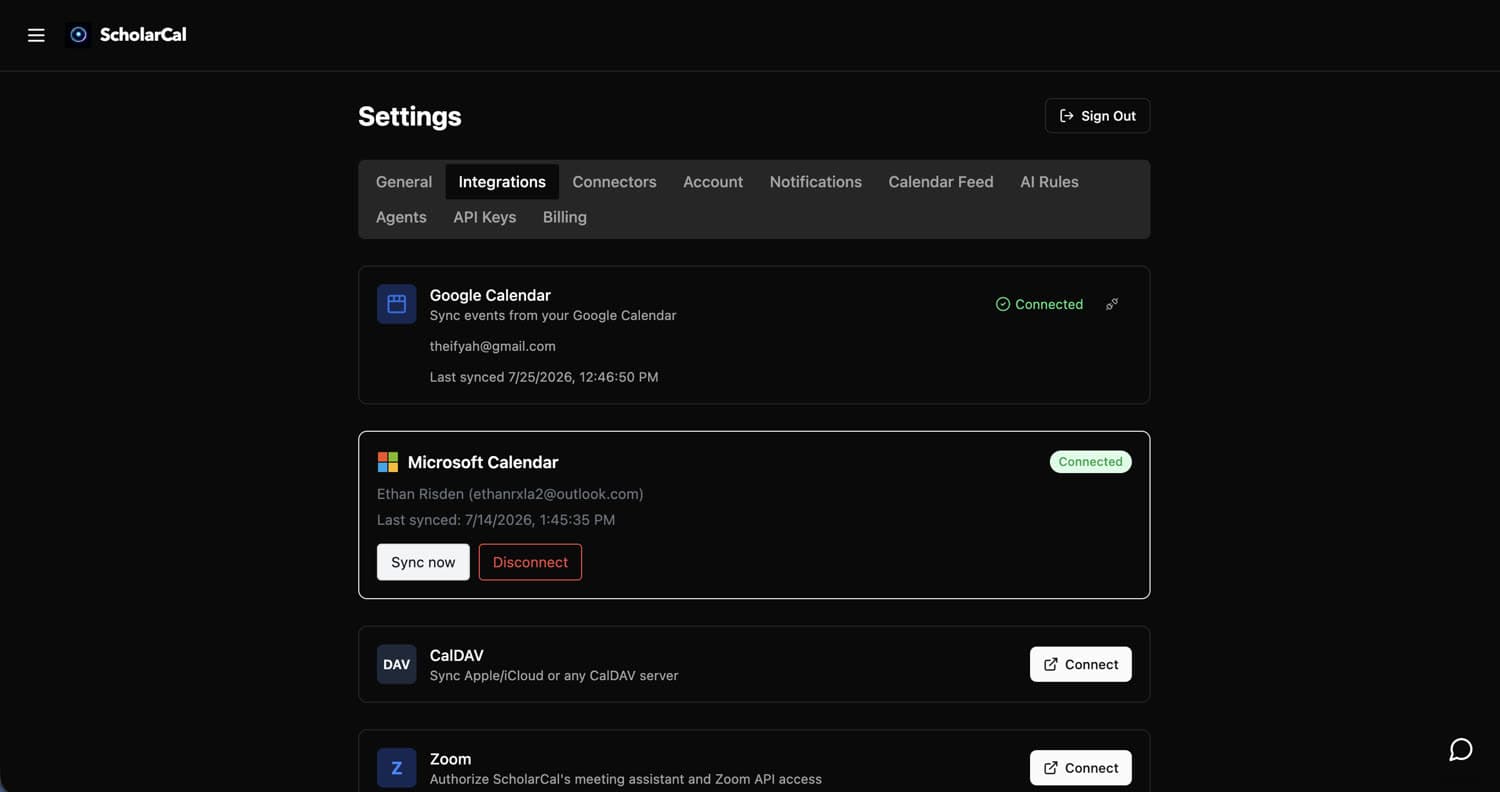
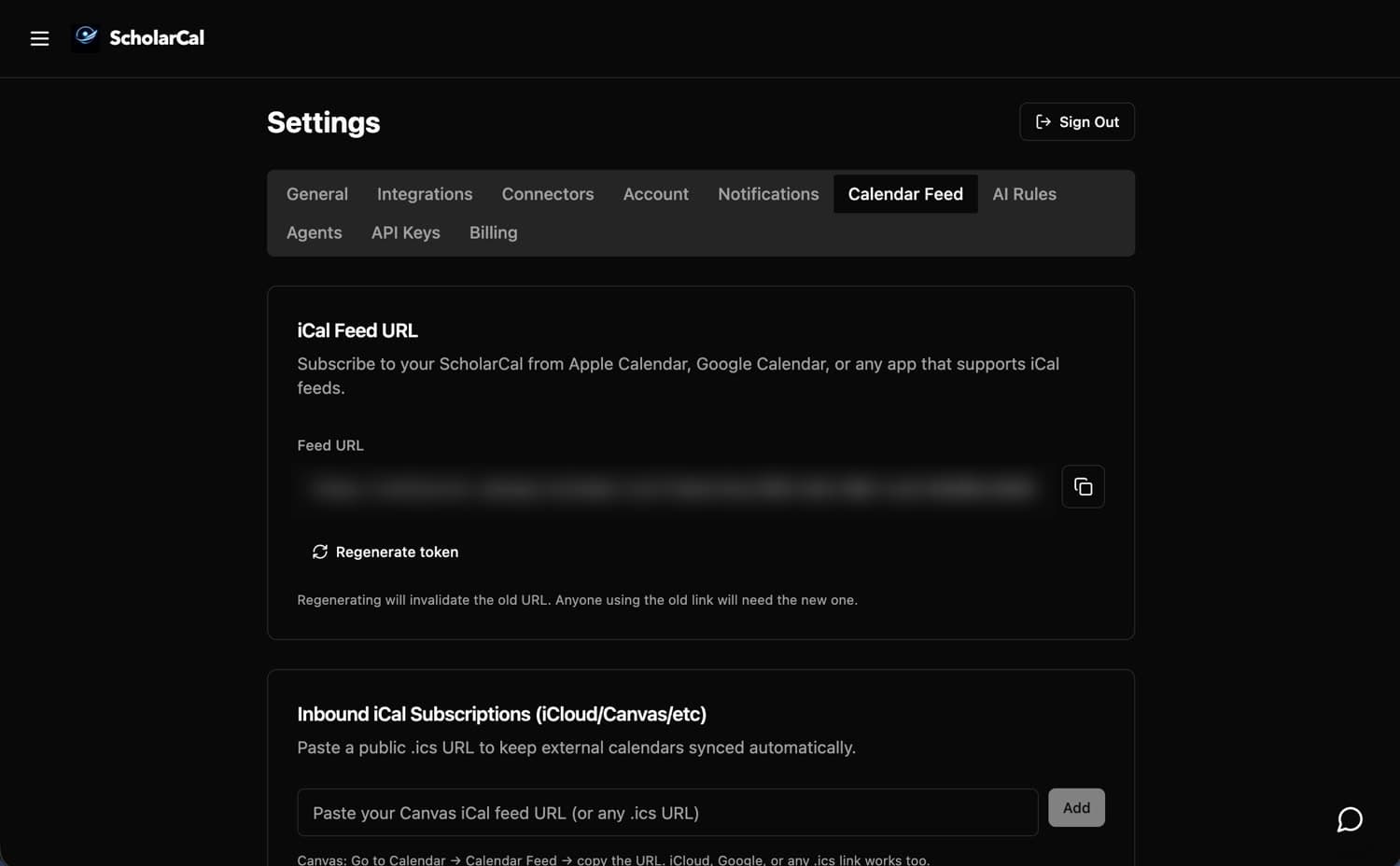
Connect your calendars
Settings → Integrations for Google, Microsoft, or any CalDAV server, and Calendar Feed to subscribe to a Canvas or Apple feed by URL. OAuth only — ScholarCal never asks for your password, and disconnecting deletes the synced data.
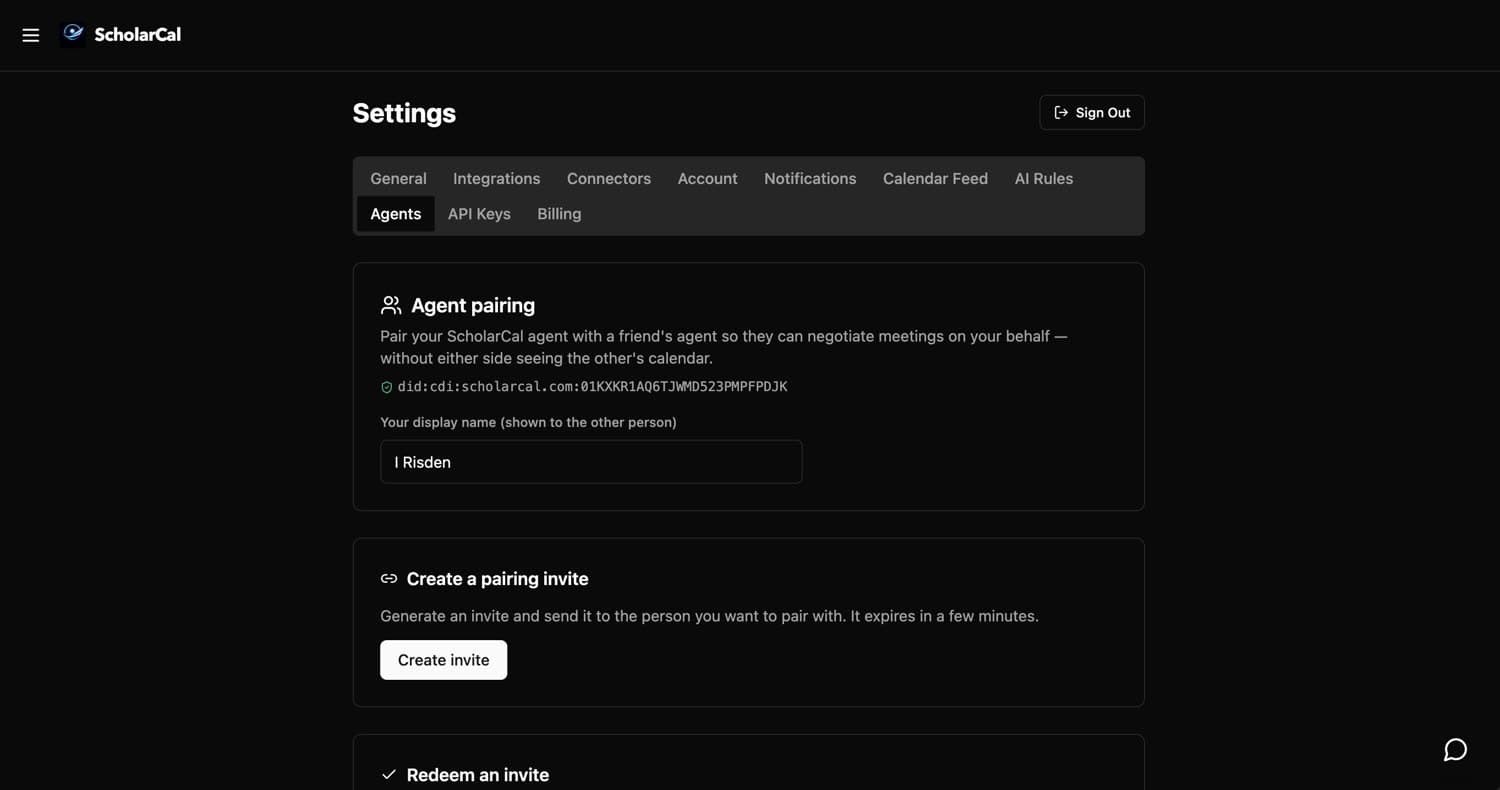
Pair your agent
Settings → Agents. Create an invite, send it to someone, and your two agents can negotiate meetings on your behalf — without either side seeing the other’s calendar.
Ask for what you need
Say it in plain language — a week of study blocks, a haircut, a flight. ScholarCal reads your existing schedule, finds the open time, and lays out the whole plan with real times.
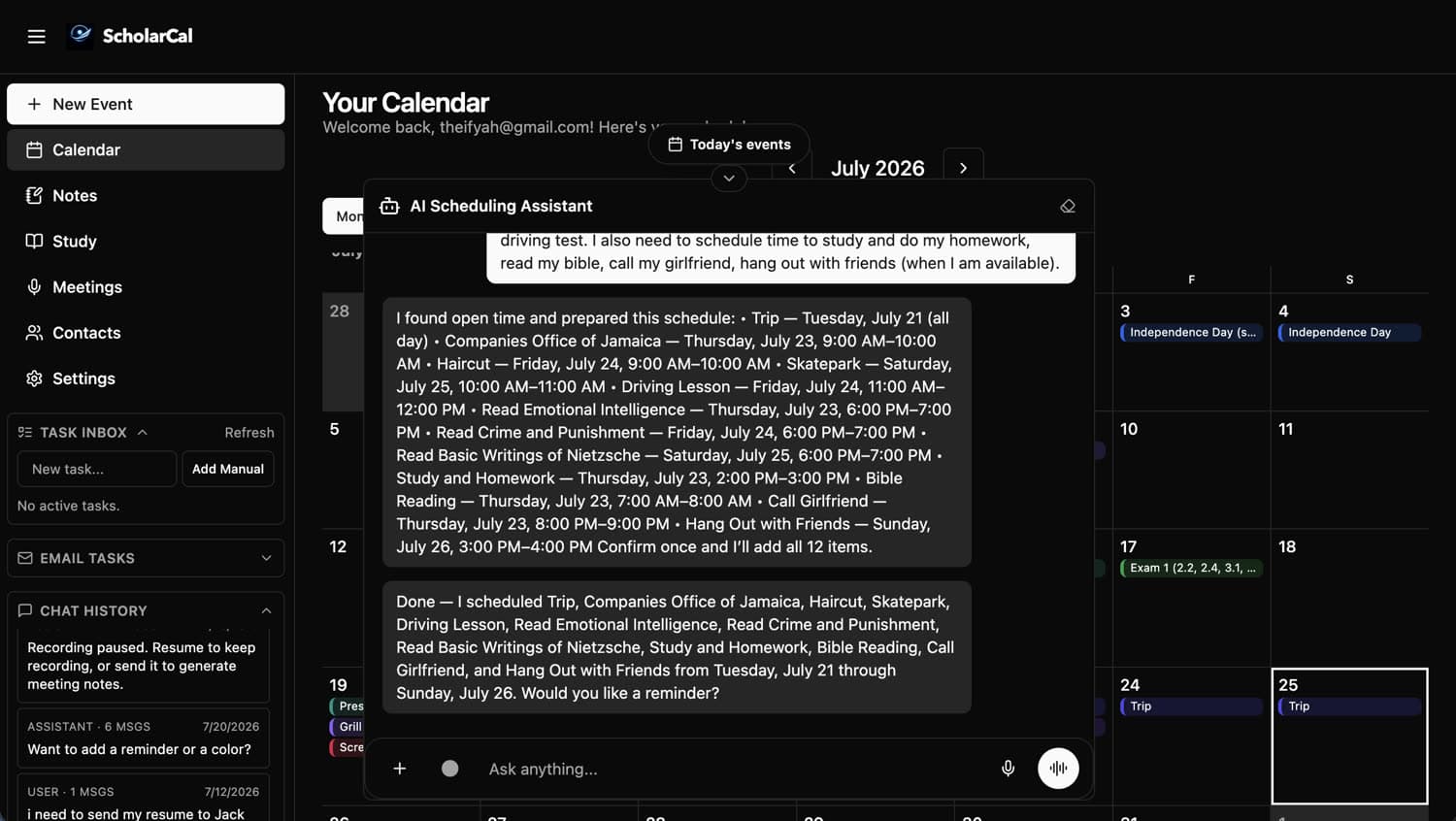
Let the agent do the work
Say the word and it writes every event to your calendar at once — no dragging blocks around a grid. It still asks before it writes, so nothing lands without you.
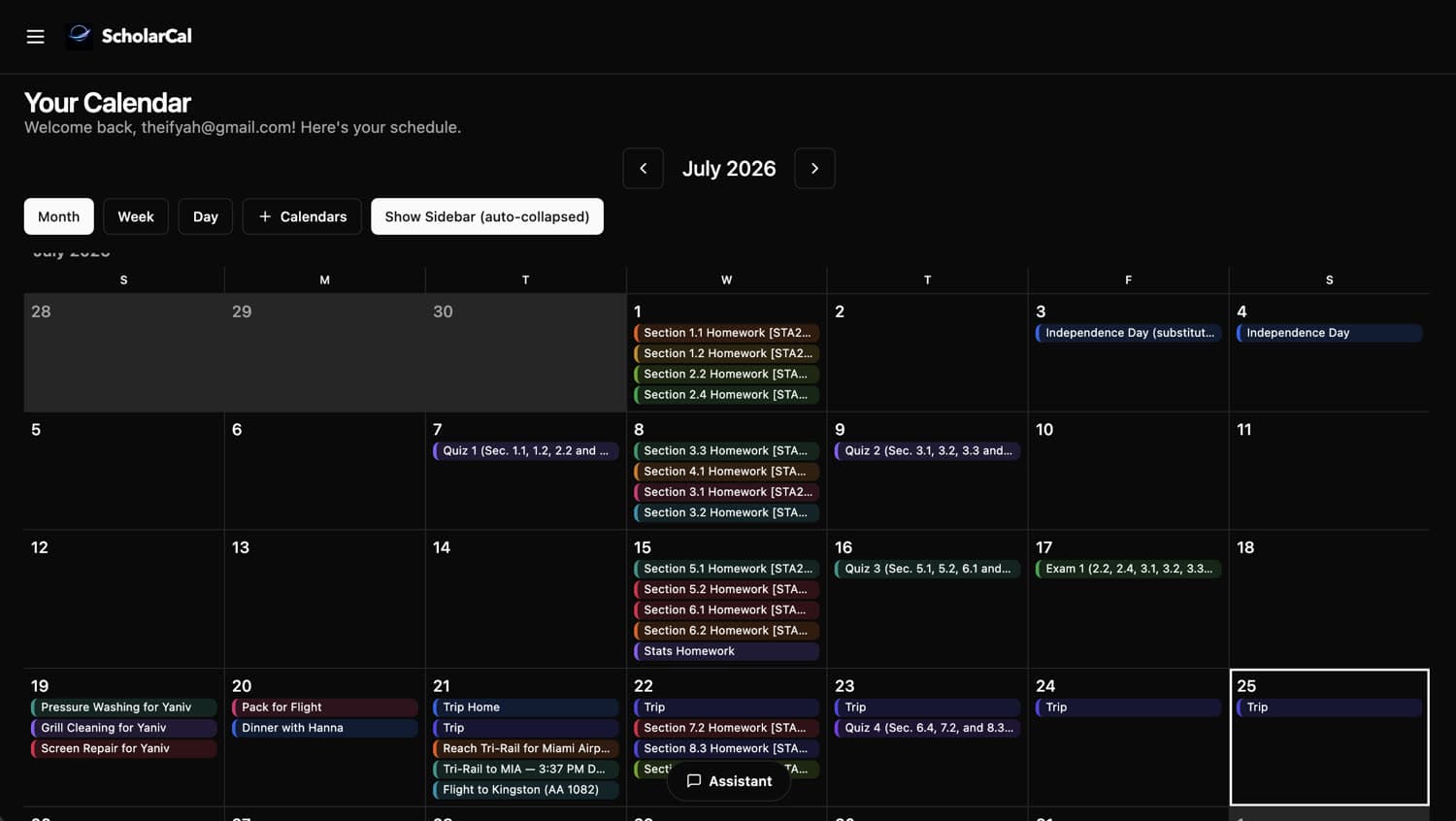
Send the follow-up
Ask it to write any email — a follow-up, an introduction, a reply you have been putting off. Attach a file, then send it or save a draft straight to Gmail or Outlook.
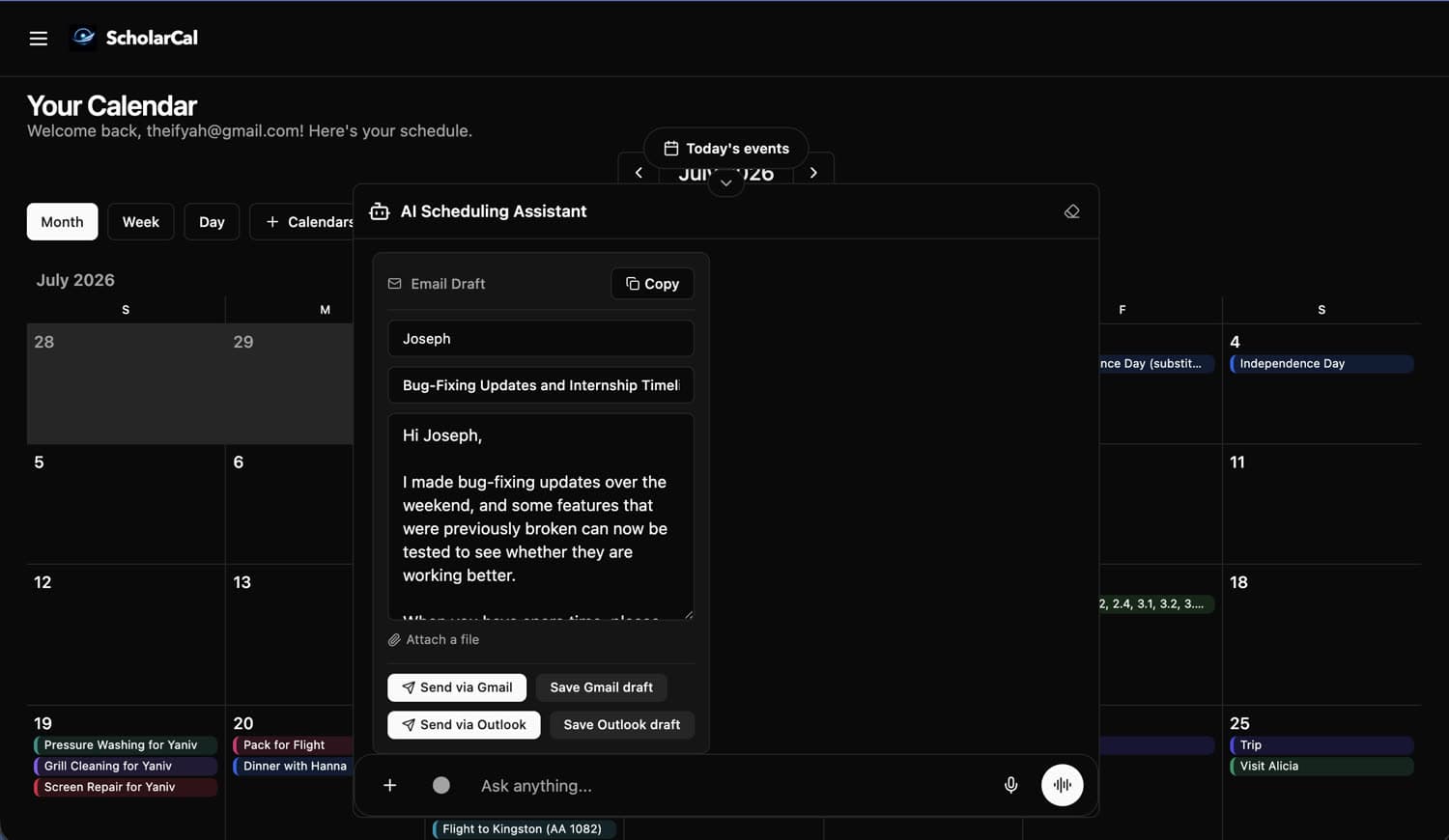
Record the meeting
Record a lecture or a call and get back the full transcript plus a summary of it — key concepts, recommendations, and action items, with the transcript still there when you need the exact wording.
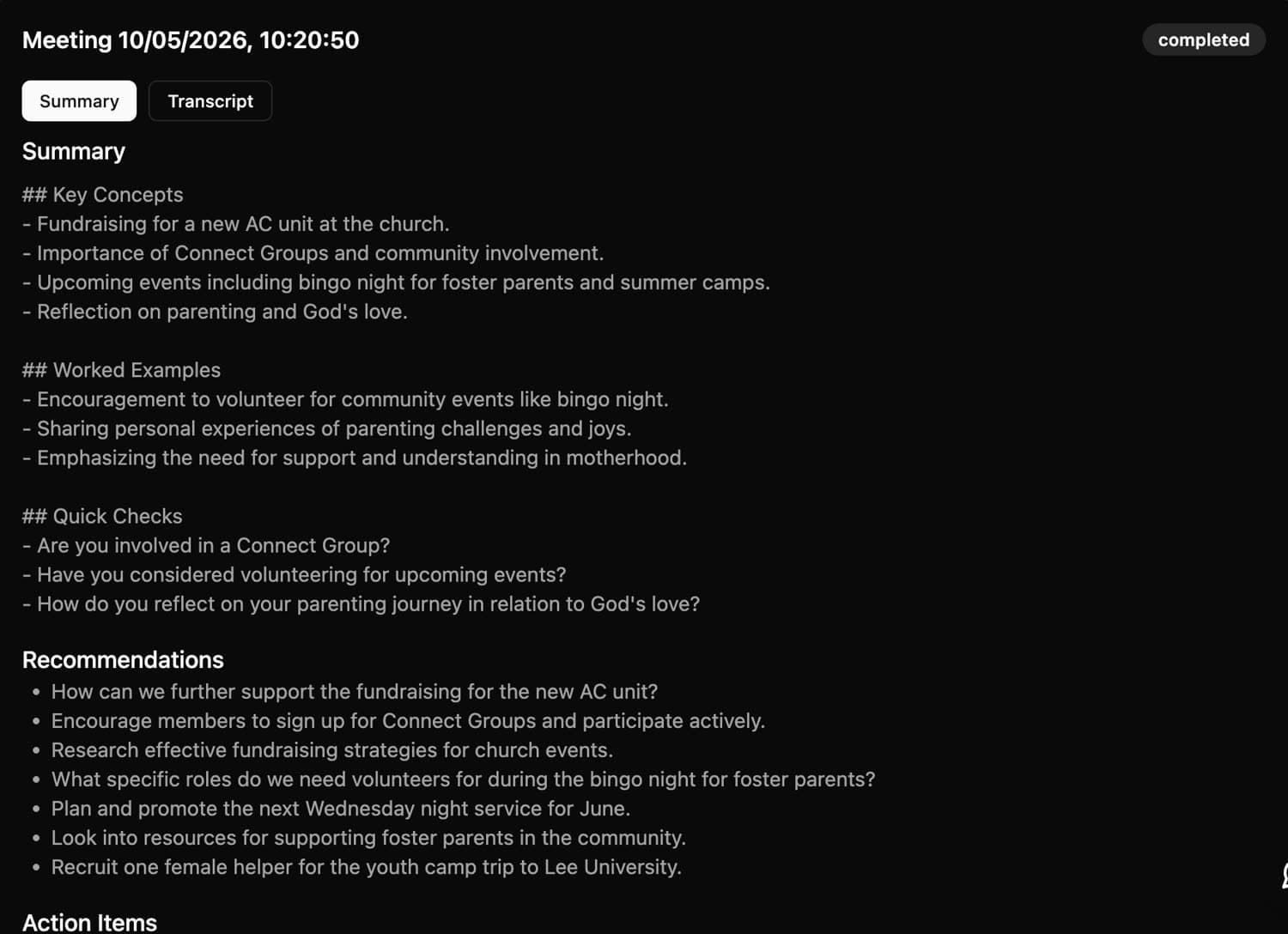
Let it run
Your calendar stays in sync across every source you connected, in one view. Keep using Google, Outlook, or Apple — ScholarCal works underneath them.
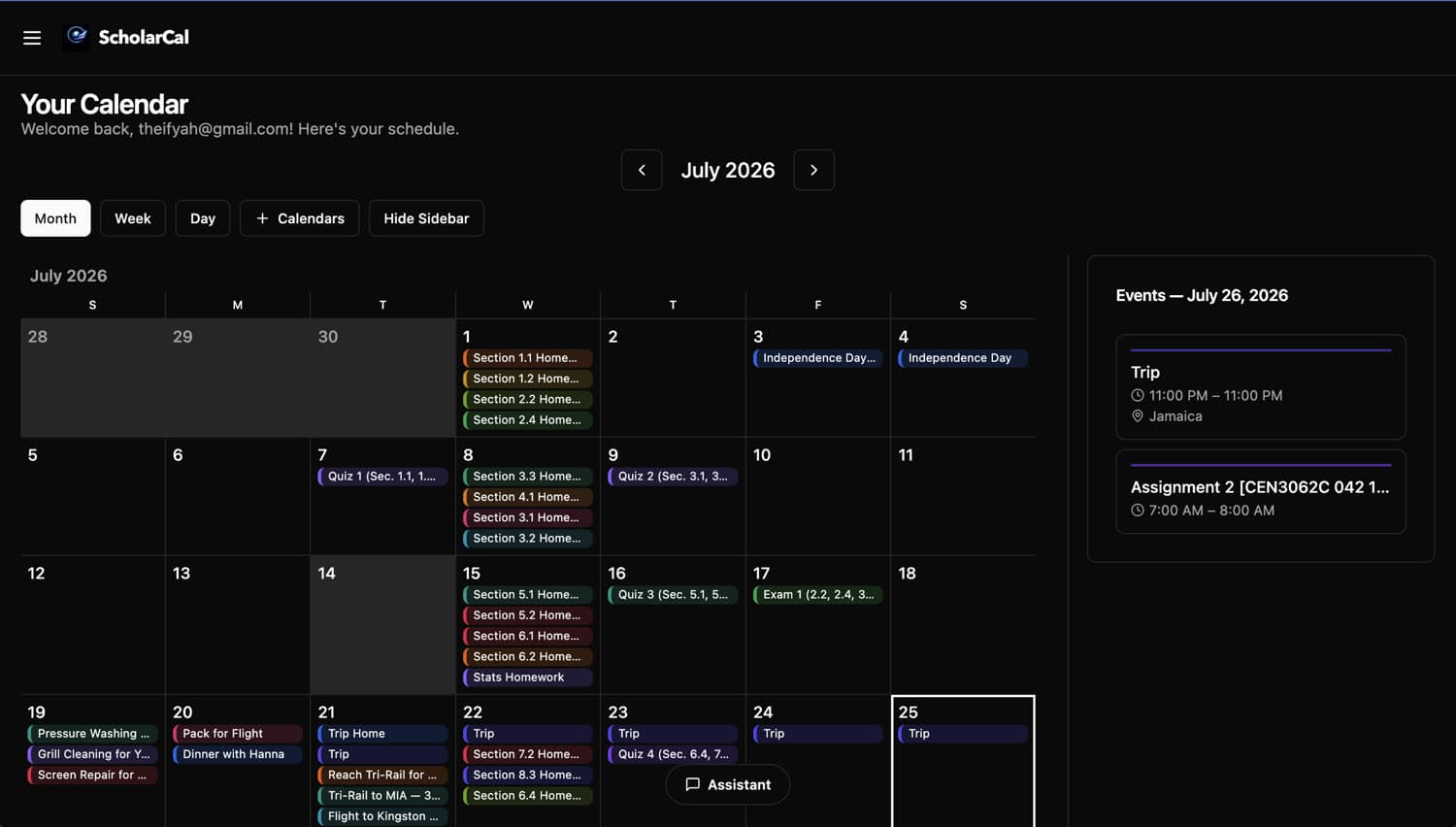
Bring your own.
ScholarCal is a backend for agent communication, not a walled garden. Give any agent you already use a private, revocable way to plan and schedule on your behalf.
Copy and paste this into your agent’s chat
Read https://scholarcal.com/skill.md and follow its setup instructions. Help me connect you to my ScholarCal account, and ask me for a scoped API key only when you are ready to configure it.1. Copy the setup prompt.
2. Paste it into your agent.
3. Approve only the access it needs.
MCP or REST
A hosted MCP server at /api/mcp, plus a documented REST API and OpenAPI spec.
Scoped, revocable keys
Issue a key with read-only or write access, and revoke it from Settings at any time.
Any compatible agent
Claude, ChatGPT, Codex, OpenClaw, or your own. It runs on the subscription you already pay for — no OpenAI or Anthropic key needed.
Your own agent, not a seat on ours.
ScholarCal is also a backend for agent-to-agent communication. For businesses we fork it into a personalized, branded scheduling agent tuned to how your team actually works.
Forked and tuned to you
We branch ScholarCal into a private version shaped around your workflows, your terminology, and your systems of record.
Your data boundary
The agent-to-agent layer is built so scheduling happens without exposing calendar contents — inside your org and across it.
Priced separately
Business agreements sit apart from individual plans. We scope on a call rather than pointing you at a pricing table.